



Description
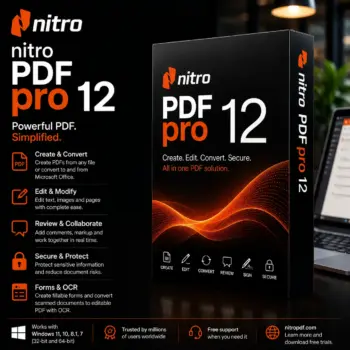
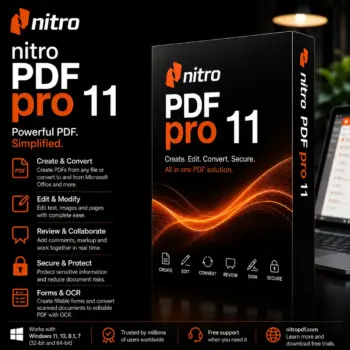
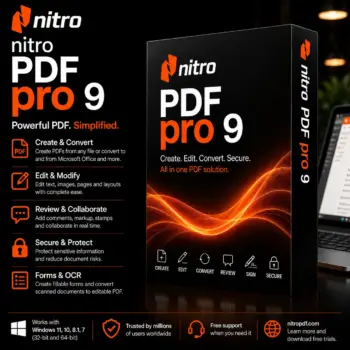
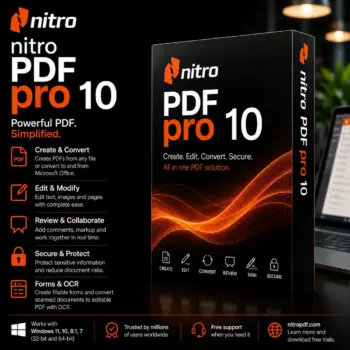
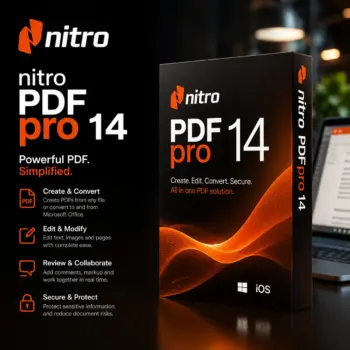
Nitro PDF Pro 13 is for professionals, freelancers, office workers, teachers, legal teams, and students who need advanced PDF features without having to pay a monthly fee. It is the complete answer for editing PDFs and managing documents. With these versions, you can quickly and easily make, change, convert, protect, merge, sign, and manage PDF files using powerful tools.
At Denvo Elements, we focus on making premium productivity software accessible by offering 100% genuine licenses at highly competitive prices compared to official platforms and many other resellers. With this Lifetime Key, users receive long-term access to professional PDF tools through a one-time purchase, making them suitable for both personal and professional workflows.
Key Features:
- Advanced PDF Editing: You can change text, images, layouts, and page elements right inside PDF files, so you don’t need any extra tools to convert them.
- Accurate File Conversion: You can change PDF files into Word, Excel, PowerPoint, and image files that you can edit, while keeping the structure and layout.
- OCR Technology: Built-in Optical Character Recognition can turn scanned papers and image-based PDFs into files that can be searched and changed.
- Digital Signatures and Security: Use electronic signatures, manage permissions, protect files with passwords, and encrypt critical files to keep them safe.
Why Should You Buy From Us?
- The same real rights that the brand sells, but for less money.
- You can choose from all of the choices, from Lifetime licenses to subscription-based licenses.
- Business and education licenses
- Digital release right away, in less than 24 hours, so you don’t have to wait days.
- Help with setup to make the process stress-free.
- Money-back promise for 30 days
- The online store you can trust has sold more than 10,000 pieces of software so far.
- Best Rating on Trustpilot.
Device Requirements:
- Operating System: Windows 10/11 or compatible earlier Windows versions depending on software edition
- Processor: Intel Core i3 or higher
- Minimum RAM: 4 GB (8 GB recommended)
- Minimum Storage: 2 GB available space
- Internet Connection: Required for activation and updates
System performance may vary depending on document size and workflow requirements.
Redemption Guide:
To download and run this software on your system, you just have to follow the below given steps below.
- At the time of registration or details filling, give us the correct Email ID and WhatsApp number. We will then send the activation code of the 9th version software of Nitro PDF Pro 13 to your Email and WhatsApp number.
- Download this software from Nitro’s official website.
- Copy and paste the redeem code from your Email inbox or WhatsApp number to log into the software.
Comparison Table:
| Feature | Nitro PDF Pro | Adobe Acrobat Pro | Foxit PDF Editor |
| One-Time Purchase | Yes | No | No |
| OCR Technology | Yes | Yes | Yes |
| PDF Editing | Advanced | Advanced | Advanced |
| Batch Processing | Yes | Yes | Yes |
| Digital Signatures | Yes | Yes | Yes |
| Office File Conversion | Yes | Yes | Yes |
| Subscription Requirement | No | Yes | Yes |
FAQs:
Nitro PDF Pro can be used for professional tasks like editing, converting, OCR scanning, digital signatures, document security, and managing files with other people.
Denvo Elements offers real licenses, safe shopping, help with registration, fast delivery through WhatsApp or email, and helpful customer service.
No, the lifetime key gives you access to the program for life, without having to pay for it every month, as long as you choose the right version and license type.
There are no reviews yet.