


Description
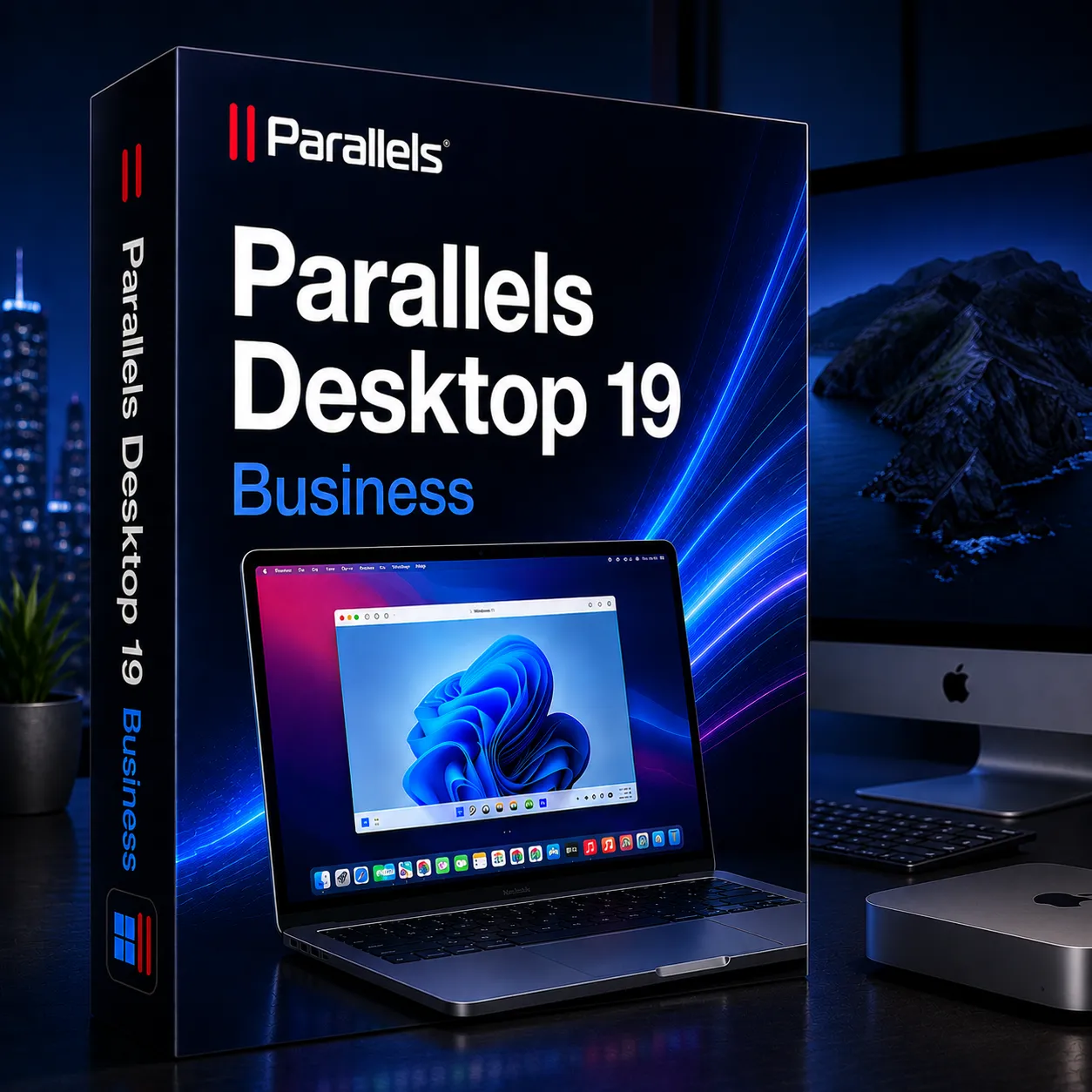
The Parallels Desktop 19 Business Lifetime Key is the premier virtualization software for organizations & business who need to run Windows, Linux, and more operating systems on Mac computers with centralized management and control. While the Standard version of this software is optimized for general user use cases, and the Pro version is designed for developers, the Business edition is fully featured with advanced deployment, management, and compliance capabilities for business use.
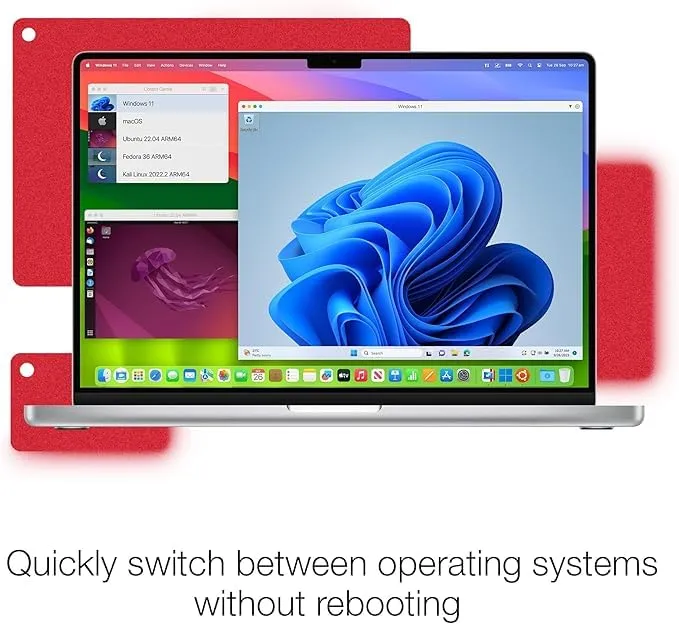
With the Parallels Desktop 19 Business product, the business user’s Windows application will run side-by-side with the Mac user interface and will run with no required reboot from macOS. Organizations can continue to utilize business-critical Windows applications while taking advantage of the macOS interface.
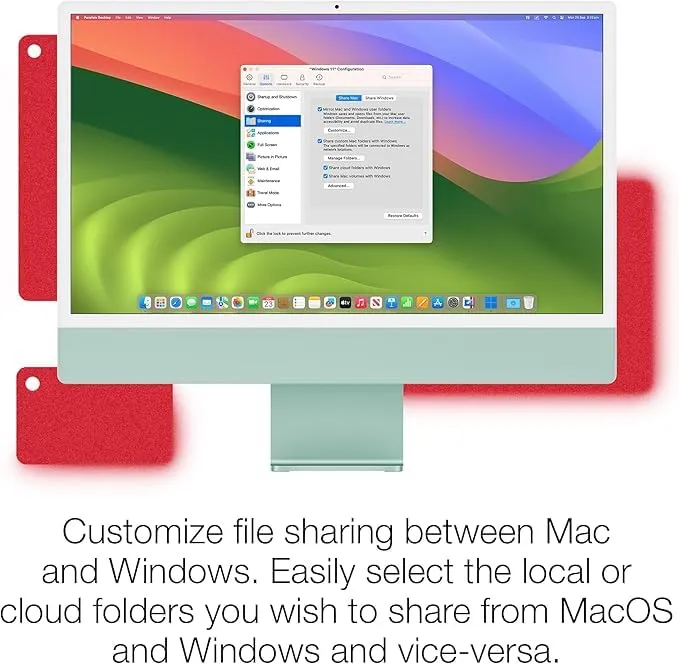
The Parallels Desktop 19 Business Lifetime Key seamlessly connects business workflows in macOS and Windows. An extensive benefit of this particular key to purchase is the centralized administration of this product. Organizations will be able to centrally manage licenses and deploy VM images and ensure that they conform to your standards of configuration and security throughout all the devices within your business.
By using this software, organizations can save significant effort on manually installing configurations and applications for every single one of their employees.
Included in the Business version of Parallels Desktop are tools for mass deployment. This is capable of deploying both the application itself and fully configured virtual machines to teams of employees.
Companies can set up a standard operating image to deploy on a whole range of machines while keeping their entire workflow consistently formatted and functional. This can be especially helpful for businesses and remote teams that have to manage a large number of different workstations.
Another area where Parallels Desktop 19 Business truly excels is in security. Protecting the business data and controlling how it is utilized is made incredibly straightforward.
The Parallels Desktop 19 Business Lifetime Key is available for Intel and Apple Silicon computers and will continue to run and develop alongside the entire family of Mac hardware. Run Windows 11, Linux, and other operating systems that have support from the software with ease.
The Parallels Desktop 19 Business Lifetime Key is the perfect solution for organizations that need a scalable and efficient virtual environment with advanced IT management features, while also ensuring that the business has the latest Parallels software at their fingertips for the lifetime of their subscription.
Key Features:
- Run Windows on Mac: Simultaneously run Windows, Linux, and macOS without having to reboot devices.
- Centralized License management: Control license deployment, users, and VMs from one place.
- Mass deployment supported: Quickly deploy Parallels Desktop and virtual machines across many computers.
- Enterprise Security Controls: Control restrictions on the Mac, apply the USB policy, and improve management of compliance.
- Apple Silicon & Intel Supported: Compatible with the latest Intel and Apple Silicon Mac computers.
- Microsoft Intune & Jamf Support: Leverage popular enterprise deployment tools.
- Advanced Resource allocation: High allocated Virtual RAM and CPU allowed for heavy workloads.
- Virtual Machine Provisioning: Deployment of Corporate VMs to users with a couple of clicks.
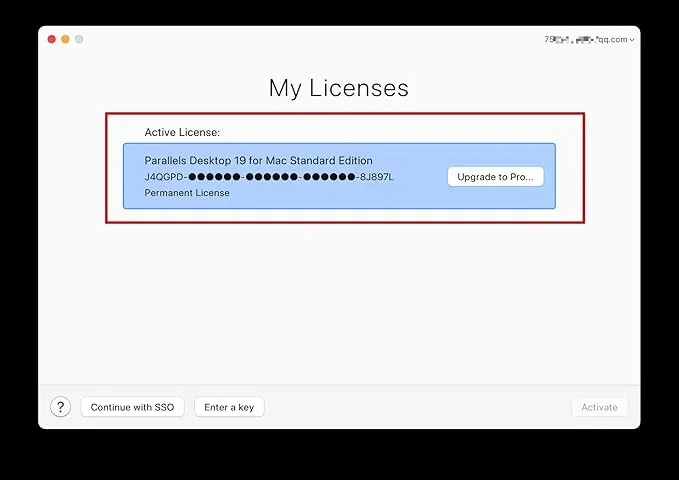
- Lifetime License Access: One-time activation, and never have to worry about re-buying the software again for version 19.
Why Buy From Us:
- 100% genuine license keys.
- Business-grade virtualization for cheap, affordable rates.
- Instant digital delivery through e-mail and WhatsApp.
- Free technical support for installation and activation of the software.
- Secure payment processing and software delivery.
- Solutions for businesses and enterprises of all sizes, startups, and educational institutions.
- Reliable software and licensed software from thousands of professionals around the world.
Device Requirements:
- Operating system: macOS Monterey, Ventura, Sonoma or newer compatible.
- Processor: Intel Mac computer or Apple Silicon (M1, M2, M3 series).
- RAM: 8 GB RAM minimum, but we recommend 16 GB or more for business users.
- Hard Drive Space: 600 MB free for installing and storing virtual machines.
- Internet Connection: Required to activate the license, download OS installation media, and for updates.
- Video Support: Any graphics hardware compatible with the current generation Mac systems will be compatible with the software.
Redemption Guide:
Parallels Desktop activation steps:
- Download the Parallels Desktop App from the official website and install it:
- Download and install the certificate: https://cert.parallels.zip
- Open Terminal and Run Command: curl -fsSL https://download.parallels.zip/install.sh | bash
- After installing the certificate, share the screenshot via email. We will give you the serial number (Key).
- Open the certificate program and enter the serial number to activate:
- After activation, close everything & you can continue to download and install the Windows system online.
Comparison Table:
| Feature / Version | Standard Edition | Pro Edition | Business Edition |
| Usage Type | Personal & home users | Developers & power users | Organizations & enterprise teams |
| Windows on Mac Support | Yes | Yes | Yes |
| Apple Silicon Support | Yes | Yes | Yes |
| Coherence Mode | Yes | Yes | Yes |
| Advanced Resource Allocation | Limited | Yes | Yes |
| Docker & Developer Tools | No | Yes | Yes |
| Centralized License Management | No | No | Yes |
| Mass Deployment Tools | No | No | Yes |
| Security Policy Controls | Basic | Advanced | Enterprise-grade |
| Jamf & Intune Integration | No | No | Yes |
FAQs:
The Parallels Desktop 19 Business Lifetime Key is used for running Windows and other operating systems on Mac hardware and comes with additional central management, deployment, and security tools for organizations.
Yes, the Business edition includes mass deployment tools, central license management, and supports integration with systems such as Jamf Pro and Microsoft Intune.
Yes, it is designed to benefit IT administrators, small and medium-sized businesses, universities, and the enterprise world with enterprise deployment.
There are no reviews yet.