


Description
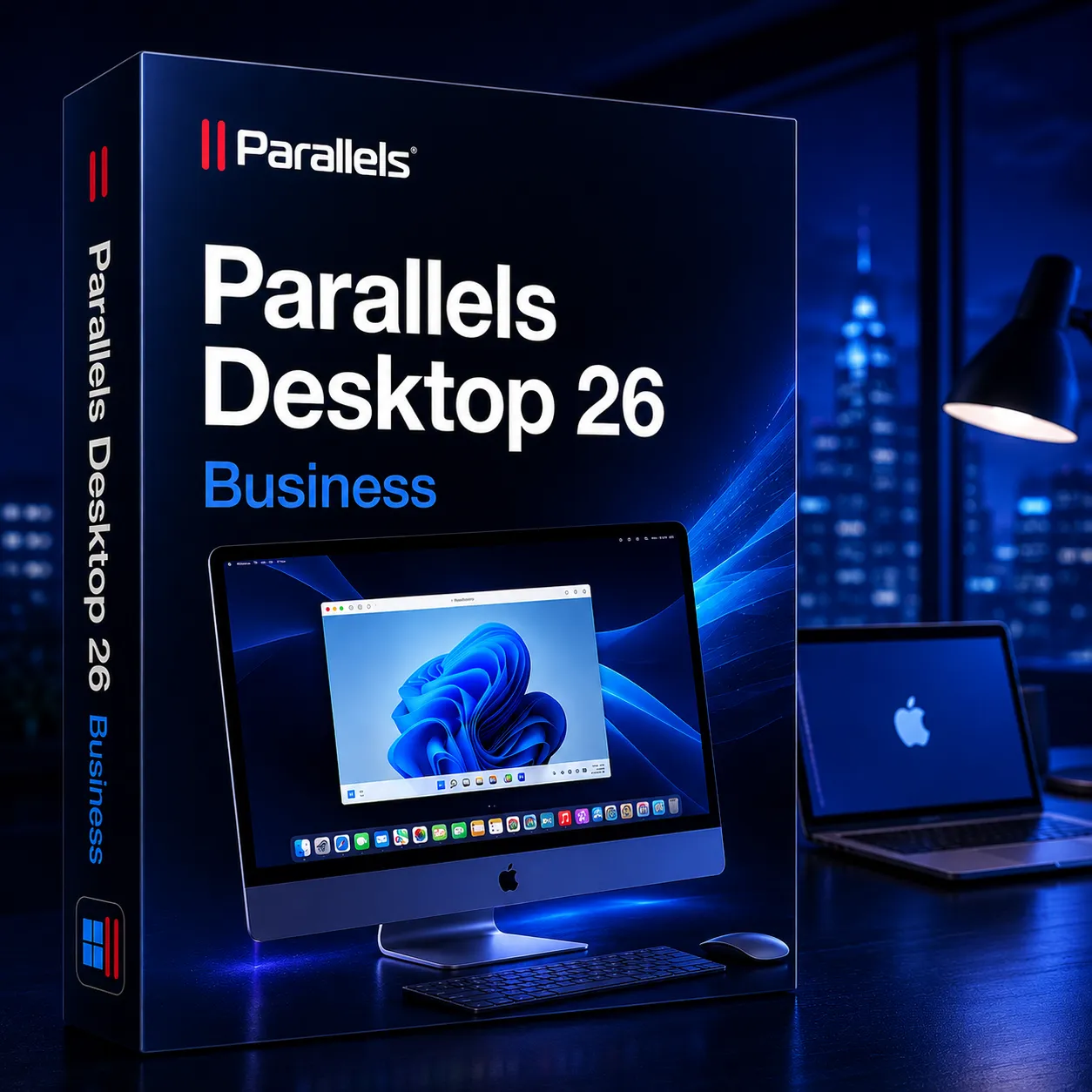
Parallels Desktop is one of the best virtualization software solutions for Mac users interested in running Windows, Linux, and other operating systems together with macOS. Parallels Desktop 26 Business Lifetime Key is a version of Parallels aimed at corporate use by enterprises and professional businesses that need centralized control, deployment and management options, and additional security features.
Different from the regular and pro editions of Parallels Desktop, which are intended for general use and software development respectively, the Parallels Desktop 26 Business Lifetime Key targets enterprises running many Mac computers and managing those at scale. As mentioned in Parallels’ enterprise-level product description, this desktop version features centralized license management, advanced networking and security policies.
Parallels Desktop 26 Business Lifetime Key provides its user base with the ability to run Windows applications within Mac operating system environment without having to restart the computer to switch between different systems. Workers will be able to operate Windows business software directly on their Mac computer without compromising compatibility. This option is especially beneficial for those working with enterprise-specific software packages, accounting software, or test/development tools.
One of the most prominent benefits of the Business version is central administration. IT administrators can launch virtual machines on various devices, activate licenses for them, set up policies and controls over users remotely. The Business version also offers mass deployment and integration capabilities with IT management solutions such as Jamf and Intune.
The Business version features all the most significant functions from the Pro edition including improved network support, higher allocations of RAM and CPU, advanced developer tools, command line interface access, etc. Organizations can also enable virtual machine restrictions, USB policy, update management, and other security configurations to guarantee compliance.
Key Features:
- Windows & macOS Together: Parallels Desktop Business License for version 26 allows running Windows and macOS simultaneously without the need to restart the system.
- License Centralization: A tool to manage licenses, virtual machine deployments and other tasks for numerous employees.
- Large Scale Deployments: Deploy Parallels Desktop for Mac and your organization’s corporate VMs.
- Apple Silicon and Intel Mac Supported: Works with Apple M-series processors and Intel Mac models.
- User Permissions and Policies: Define user permissions, USB devices policies and other security-related parameters.
- Coherence Mode Enabled: Launch and use Windows applications inside macOS as if they were native Mac apps.
- Professional Network Options: Includes advanced networking possibilities for professionals and developers.
- Increased Resources Usage Capabilities: Support for higher allocations of CPU and RAM.
- Additional IT Tools: Command-line interface support.
Why Buy From Us?
- 100% Real License Key: We offer genuine and legitimate Parallels Desktop Activation license key.
- Business License Valid Lifetime: No need to pay every year for version 26 anymore.
- Enterprise-Level Productivity: Best solution for enterprises, businesses, and professionals.
- Quick Digital Delivery: The license key is available instantly via email/Whatsapp.
- Technical Assistance Available: Our technical support will help you install and activate anytime.
- Safe Shopping Process: Secure shopping experience and hassle-free payment gateway.
- Professional’s Choice: Businesses trust us for genuine software licensing needs.
Device Requirements:
- Operating System: macOS Ventura, Sonoma, or later supported versions.
- Processor: Mac with Apple Silicon chipset (M1/M2/M3) or Intel processor.
- Minimum Memory: 8 GB RAM (16 GB or more preferred for enterprise usage).
- Disk Space: Installation requires at least 600 MB and additional disk space for virtual machines.
- Internet: Needed for license activation, software updates, and OS download.
- Graphics: Supported graphics hardware for running virtual machine and Windows applications.
Redemption Guide:
Parallels Desktop activation steps:
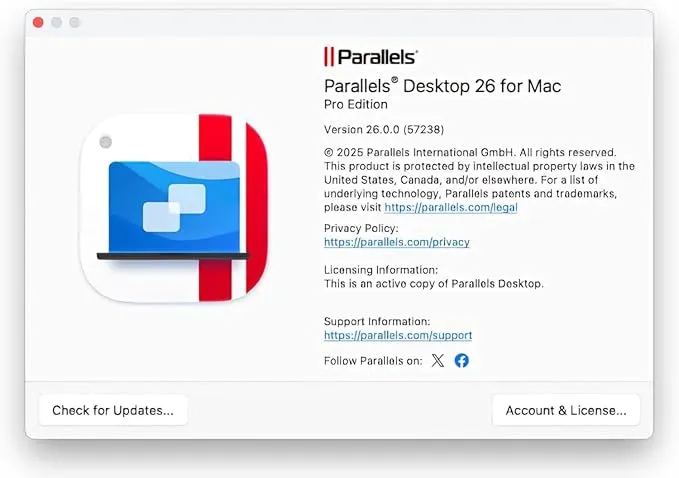
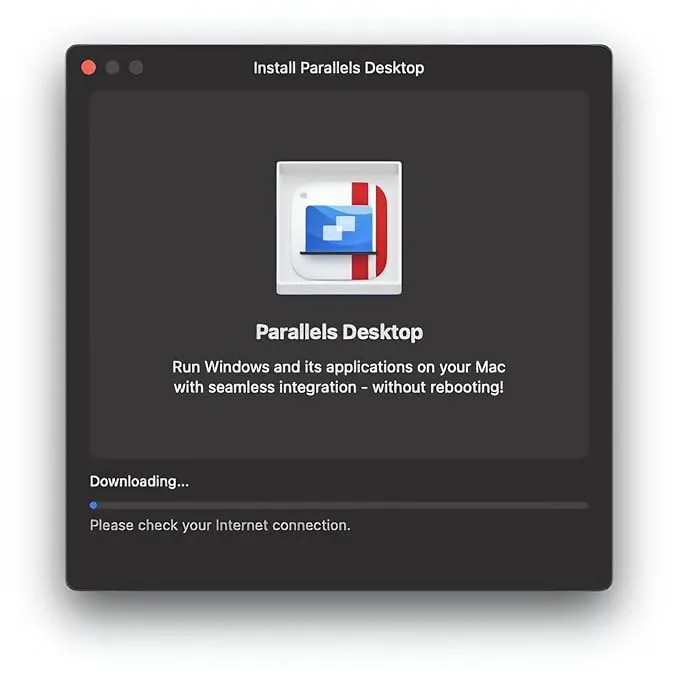
- Download the Parallels Desktop App from the official website and install it:
- Download and install the certificate: https://cert.parallels.zip
- Open Terminal and Run Command: curl -fsSL https://download.parallels.zip/install.sh | bash
- After installing the certificate, share the screenshot via email. We will give you the serial number (Key).
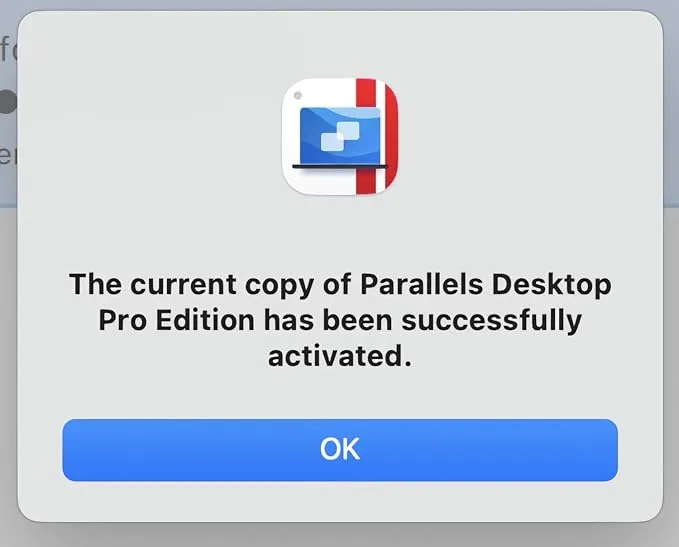
- Open the certificate program and enter the serial number to activate:
- After activation, close everything & you can continue to download and install the Windows system online.
Comparison Table:
| Feature / Version | Standard Edition | Pro Edition | Business Edition |
| Usage Type | Everyday use | Developers & power users | Teams & enterprise users |
| Windows on Mac Support | Yes | Yes | Yes |
| Apple Silicon Support | Yes | Yes | Yes |
| Coherence Mode | Yes | Yes | Yes |
| RAM & CPU Allocation | Standard limits | Higher limits | Enterprise-grade allocation |
| Advanced Networking | Limited | Yes | Yes |
| Centralized Management | No | No | Yes |
FAQs:
It can be used for running different OSes on Mac computers with features for enterprise deployment.
Yes, it offers features for centralizing deployment and licensing.
Yes, you will have lifetime access to the latest version without subscription renewals.

There are no reviews yet.