


Description
The Parallels Desktop 19 Standard Lifetime Key is a reputable and reliable virtualization software package. For daily use, study, for freelancers and professionals who are frequently switching between different operating systems but wish to be able to run different applications within them, the Parallels Desktop 19 Standard has been made simple enough for them to create and manage their own virtual machines.
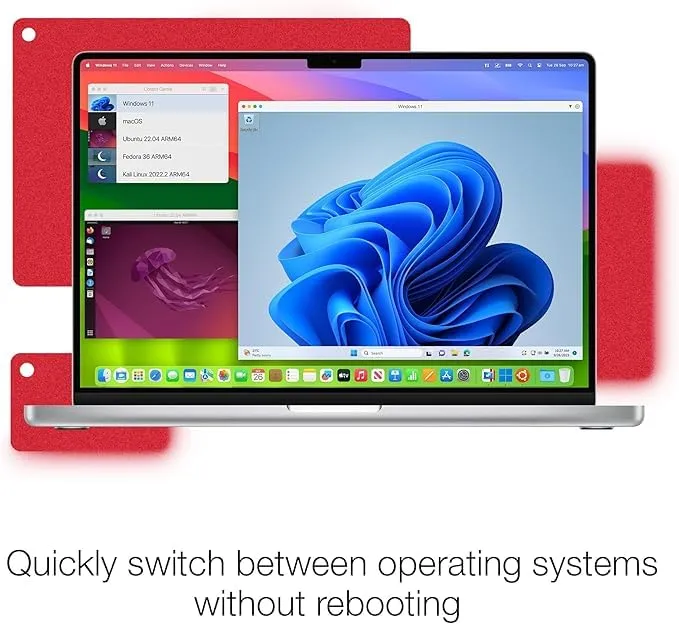
Without having to swap computer devices, the different operating systems the users need could be running on one computer to allow the user to move between each of the applications on the various operating systems and be able to benefit from time saved and efficiency gained in a task that cannot be done without a program only available for windows.
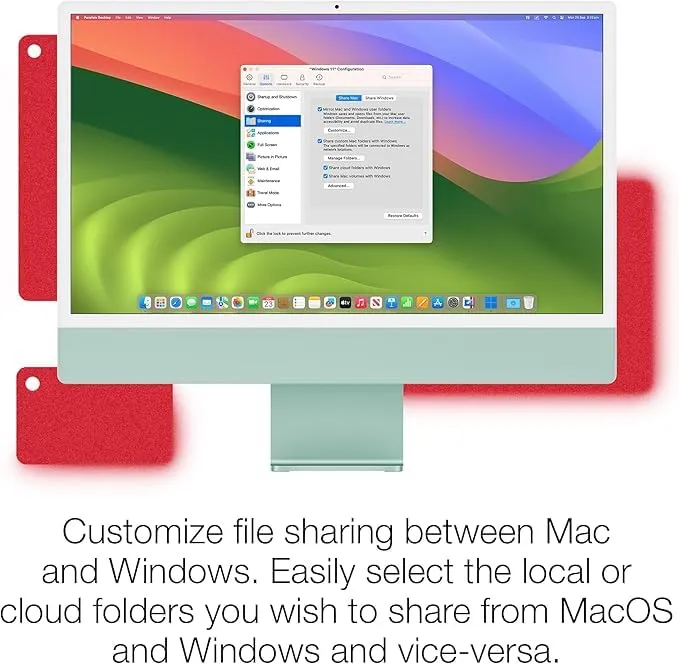
The aspect that sets it apart is how simple it is to run the Windows OS on the Mac OS. It is incredibly easy to share files between operating systems.
Whether you own a Mac that is Intel-based or if you own one that has Apple Silicon, Parallels Desktop 19 is compatible with a broad range of Mac models and operating systems.
Running Windows 11 or numerous different Linux operating systems on the computer provides a varied and effective choice depending on the workflow.
Another significant advantage of buying this key is the lifetime aspect that is embedded within it. After the initial purchase has been activated, the user receives unlimited access to version 19 of the Parallels Desktop 19 Standard operating software and so they do not have to worry about recurring annual payments, unlike if they had bought a subscription for the software.
Key Features:
- Run Windows on Mac: Use your favorite Windows programs along with macOS without having to reboot your system.
- Coherence Mode: Run Windows apps right on your Mac desktop-no Drag and
- Drop feature: Make sharing data easier and more fun with simple drag and drop from one to another OS.
- Good Virtualization performance: With a very good virtualization performance that doesn’t affect your productivity.
- Support both Apple Silicon and Intel Processor: This amazing virtualization tool supports all Apple silicon Mac devices as well as Intel-supported devices.
- Easy VM management: You can quickly create, configure, and manage your virtual machines with an easy-to-use interface.
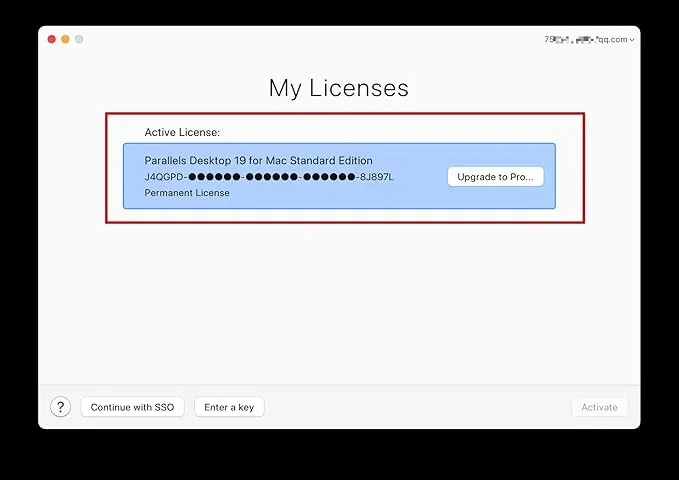
- Lifetime Access License: Once you activate your license, you’ll get access to version 19 forever, with no annual subscription required.
Why Buy From Us?
- 100% Genuine License Key: All of the license keys provided to you are legitimate and checked before delivery.
- Lowest Price Guaranteed: Get genuine software at very affordable market rates.
- Fast Digital Delivery: Receive your license key promptly via email or WhatsApp.
- Permanent Usage: Enjoy lifetime access to the software without any subscription payments.
Device Requirements:
- Operating system: macOS Monterey, Ventura, Sonoma, or the newer supported versions.
- Hard disk space: 600 MB or higher for installation and space for your virtual machines.
- Internet connection: Required for activation, updates, and downloading operating systems.
- Graphic: A Mac-compatible graphics hardware.
Redemption Guide:
Parallels Desktop activation steps:
- Download the Parallels Desktop App from the official website and install it:
- Download and install the certificate: https://cert.parallels.zip
- Open Terminal and Run Command: curl -fsSL https://download.parallels.zip/install.sh | bash
- After installing the certificate, share the screenshot via email. We will give you the serial number (Key).
- Open the certificate program and enter the serial number to activate:
- After activation, close everything & you can continue to download and install the Windows system online.
Comparison Table:
| Feature / Version | Standard Edition | Pro Edition | Business Edition |
| Usage Type | Personal & everyday use | Developers & advanced users | Organizations & enterprises |
| Windows on Mac Support | Yes | Yes | Yes |
| Apple Silicon Support | Yes | Yes | Yes |
| Coherence Mode | Yes | Yes | Yes |
| RAM Allocation | Standard | Advanced | Enterprise-grade |
| CPU Allocation | Standard | Enhanced | Advanced |
| Developer Tools | Basic | Full support | Full support |
| Multiple Virtual Machines | Yes | Enhanced performance | Enterprise optimized |
| Centralized Management | No | No | Yes |
| Enterprise Deployment | No | No | Yes |
FAQs:
Well, it lets you run Windows, Linux, and other operating systems on a Mac without needing to restart your computer.
Yep, it supports M1, M2, and M3 Apple Silicon Macs, as well as Intel-based ones.
Indeed, the Lifetime Key for version 19 means you buy it once and get access forever – no yearly subscription hassles.
There are no reviews yet.